
LocalGen lets you generate AI images on supported iPhones and iPads without per-image credits, a cloud queue or a daily generation limit. The model runs on your device, so creating another variation does not consume a server token. “Unlimited” describes the generation meter—not unlimited hardware resources or a promise that every feature is free.
What “unlimited AI image generator” means here
Many cloud image tools meter remote computing through credits, tokens or a daily allowance. That creates a decision before every experiment: is this variation worth spending? LocalGen moves the supported generation workload to your iPhone or iPad instead. Its public listing states no daily limits on supported hardware and no tokens.
This is most useful during iteration. You can try a stronger composition, remove an unwanted detail or switch the visual direction without joining a remote queue or watching a per-image balance decrease.
Local generation versus credit-based cloud generation
| Question | LocalGen on-device workflow | Typical credit-based cloud workflow |
|---|---|---|
| Per-image meter | No per-image tokens or daily generation limit on supported hardware | May consume a credit, token or allowance |
| Queue | No cloud generation queue | May wait for remote capacity |
| Connection | Works offline after app and model setup | Usually needs a live connection |
| Compute constraint | Your device’s storage, memory, battery and chip | The service plan and remote infrastructure |
Build a productive no-credit iteration loop
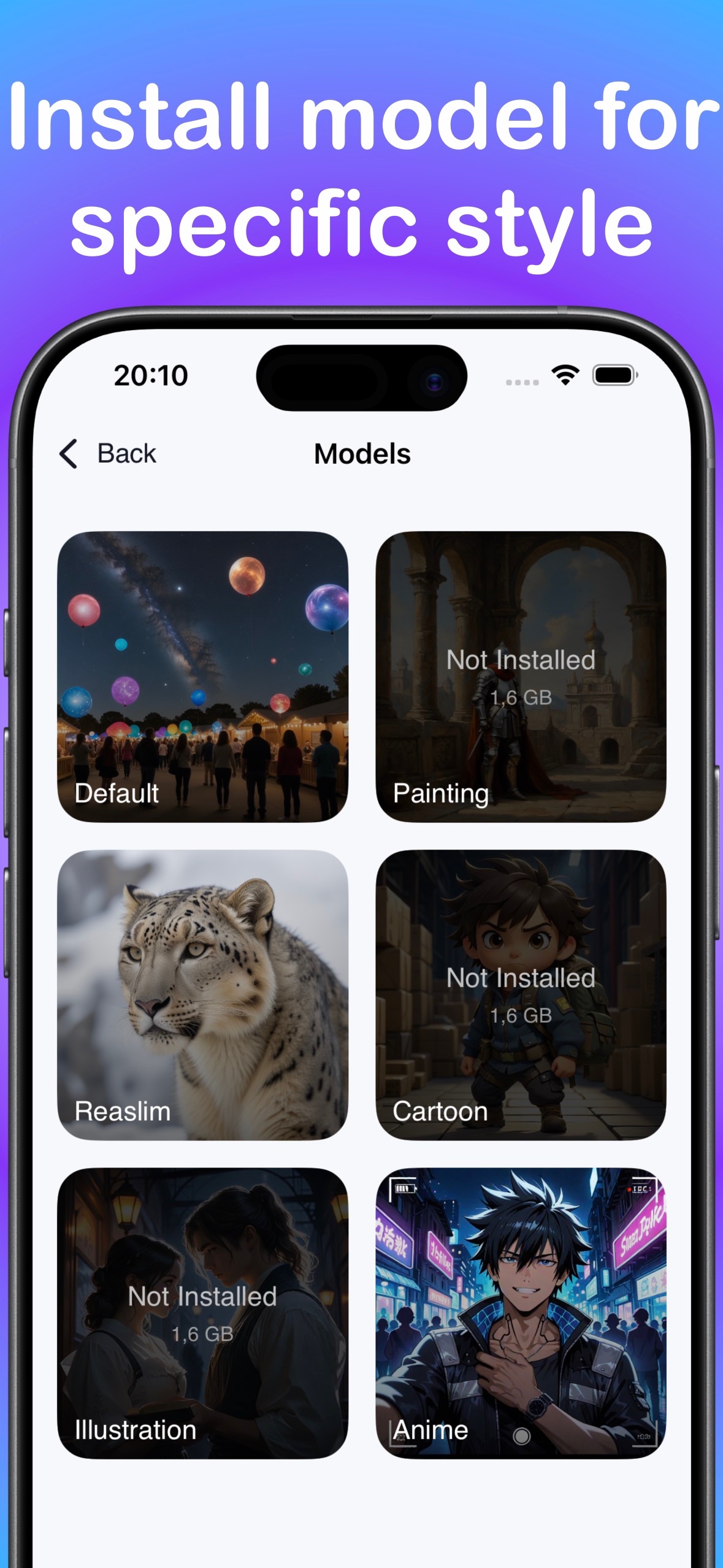
- Download LocalGen, then install a model that matches your intended style.
- Write one prompt with a subject, medium, setting, composition, light and mood.
- Generate a first image on-device and identify the single biggest mismatch.
- Change only that variable—for example, camera distance or lighting—then generate again.
- Repeat in small steps so you can tell which words actually improved the image.
- Save the strongest result to Photos or share it from your device.
Small red cabin beside a frozen lake, painterly illustration, distant mountains, wide composition, blue-hour light, quiet winter moodFor the second generation, change only “wide composition” to “close foreground framing.” A focused change gives you more information than rewriting the whole prompt.
The real limits are local resources
No token counter does not mean there are no constraints. Every image uses device compute. Available model storage, memory, battery level, heat and generation time affect how long you can keep creating. Model quality also varies by subject and prompt, so more generations do not guarantee a specific result. In the on-device workflow, prompts and generated images are processed locally and are not transmitted unless you choose to send or share them.
No credits is not the same as “everything is free”
LocalGen is free to download with Pro purchases. The absence of per-image credits describes how generation is metered; it should not be turned into a claim that every model, control or feature is free. Prices can also vary by storefront, so the live App Store page is the correct source for current options.
The value proposition is simpler: once your supported on-device workflow is available, the app does not ask for another generation token each time you refine an idea.
Who gets the most value from generation without credits?
This workflow fits anyone who learns by making variations: character designers testing silhouettes, writers exploring book concepts, artists composing wallpapers, or creators comparing anime, cartoon, realism, illustration and painting directions. It also helps when you want to work offline after setup or keep the creative job on-device.
Install LocalGen, choose a model and explore variations without a per-image token meter.
Unlimited AI image generator FAQ
Can I generate unlimited AI images on iPhone without credits?
LocalGen’s listing states there are no per-image tokens or daily generation limits on supported hardware. Generation runs locally, so there is no cloud queue. Your device resources and available app features still apply.
Is LocalGen completely free?
LocalGen is free to download and includes Pro purchases. No per-image credit meter does not mean every feature is free; check the live storefront for current options.
What limits local AI image generation?
Device compatibility, model storage, memory, battery, heat and the work needed for each generation are practical limits. Modern hardware is recommended.