
LocalGen is a private AI image generator for iPhone and iPad in a specific, useful sense: during the on-device workflow, your prompt, source image and generated image are processed locally and are not sent to an external generation server unless you choose to send or share them. That avoids automatically uploading creative content, but it does not mean “zero analytics” or “the app never connects.”
What stays local during on-device generation
A no-cloud generation workflow changes where the most sensitive creative inputs are handled. Instead of submitting an idea or personal source photo to a remote inference service, LocalGen runs the installed model on your device. The current public listing and first-party privacy text support local processing and storage for:
- the text prompt you write;
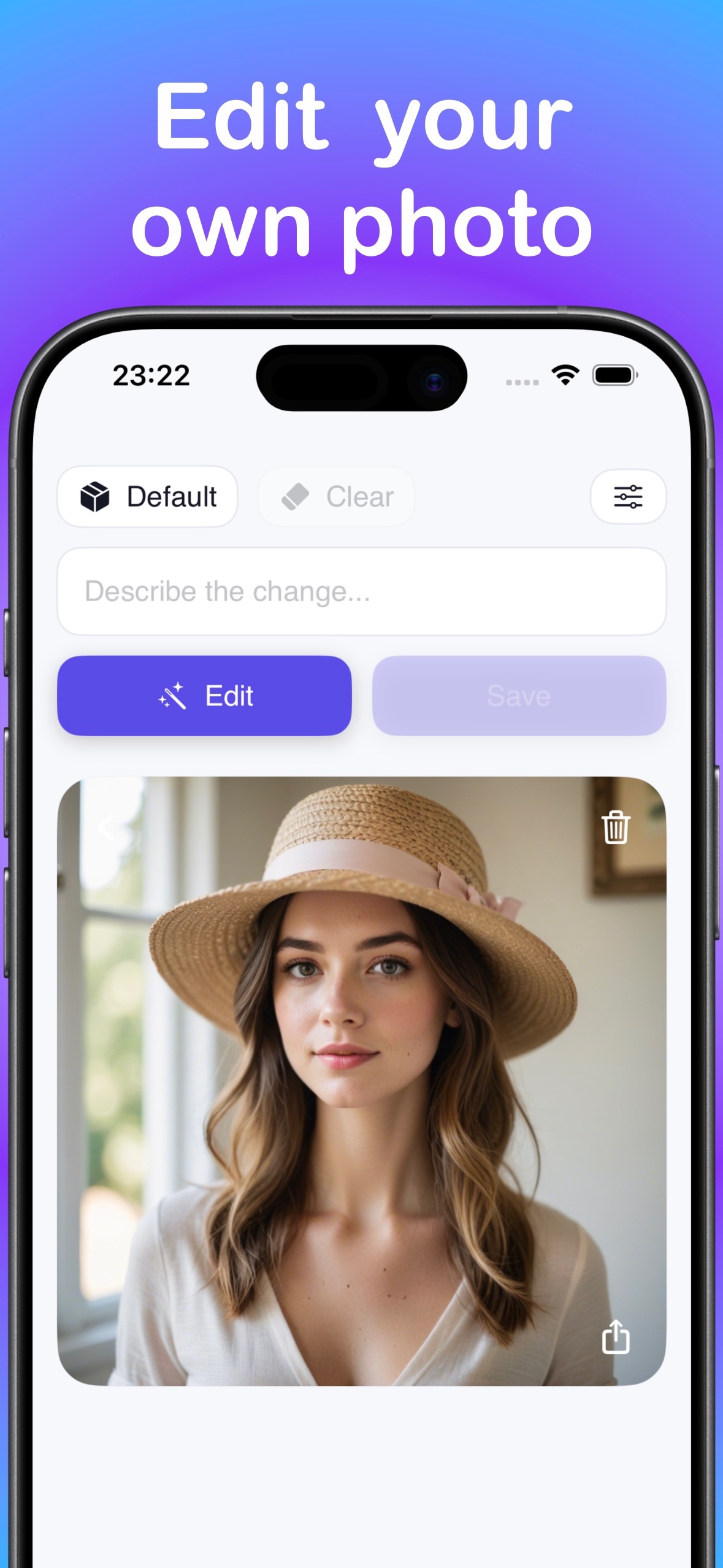
- a source image you choose for the image-edit workflow;
- the generated or edited result;
- the model inference used to produce that result.
The app also requires no account for this workflow, so there is no creative history that must be attached to a cloud profile.
What the App Store privacy label still discloses
Privacy claims should be precise. LocalGen’s App Store privacy label says Data Not Linked to You may be collected for analytics and app functionality. The listed categories include product interaction, crash data, performance data and other diagnostic data.
That disclosure does not contradict local creative-content processing. It does mean the accurate promise is “prompts and images stay on-device in the local workflow,” not “no tracking,” “no data collection,” or “the app never communicates with a server.” You may also initiate a transmission yourself by sharing an image to another app or online destination.
Create an image without uploading the prompt
- Download LocalGen and review the live App Store privacy label and device requirements.
- Open the model library and install a model for your desired style while connected.
- Choose an installed model and open the text-to-image creation workflow.
- Enter your prompt. For a photo edit, choose the source image you intend to work with.
- Generate or edit on-device, then review the result before deciding where it should go.
- Save locally to Photos, or explicitly share the image only when you want another app or service to receive it.
Five habits for a more private AI art workflow
- Install models before you need privacy-sensitive offline work. Setup requires a connection; supported generation can work offline afterward.
- Crop source photos first. Include only the visual information the edit actually needs.
- Avoid unnecessary personal details in prompts. Local handling reduces exposure, but concise prompts are easier to review and reuse too.
- Inspect the share sheet destination. Saving to Photos and posting online are different privacy decisions.
- Review app updates and disclosures. Privacy labels and features can change, so the live App Store page is the current reference.
When a private AI image generator is the better fit
Local processing is valuable when an unfinished idea, personal source image or client concept should not be uploaded merely to see a draft. It is also practical for users who do not want an account, cloud history or a generation queue. LocalGen supports those use cases while remaining free to download with Pro purchases.
Hardware remains part of the privacy tradeoff: the phone must perform the inference itself. LocalGen recommends A14-class hardware, including iPhone 12 or newer, and newer iPads. Check the live listing for installation eligibility and do not assume every listed older device will provide the same generation experience.
Install LocalGen and keep the creative generation workflow local to your iPhone or iPad.
Private AI image generator FAQ
Does LocalGen upload my prompts and generated images?
In the on-device generation workflow, prompts, source images and generated images are processed and stored locally and are not transmitted unless you expressly send or share them.
Does private on-device AI mean the app collects no data?
No. The current App Store privacy label discloses unlinked product-interaction, crash, performance and other diagnostic data. This is separate from the local handling of your creative content.
Can I use LocalGen without an account or cloud queue?
Yes. The listing states that generation requires no account, cloud queue or per-image token. Install the app and a model first; supported generation can work offline after setup.